UI primitives
Design system kitchen sink — every variant and state, in both themes.
Showing all sections
Badge
Compact status or metadata label; color is never the only channel.
Card
Composable container (header, title, content) for case studies and results.
Case study
Loading state
Empty state
No results yet. Generate your first image to see it here.
Error state
Couldn't load the result. Check your connection.
Form (Field + Input + Select)
Accessible fields: label, hint and error linked via aria-describedby.
Describe the image to generate.
This field is required.
Field not editable on this plan.
Tabs
APG tabs with roving tabindex; panels stay mounted (no state loss on switch).
@nicobehm/media-kit
Proprietary NPM package • Zero dependencies • Accessible (WCAG)Media components from the own package: CompareSlider (drag/hover, color/B&W) and MediaLightbox with zoom.
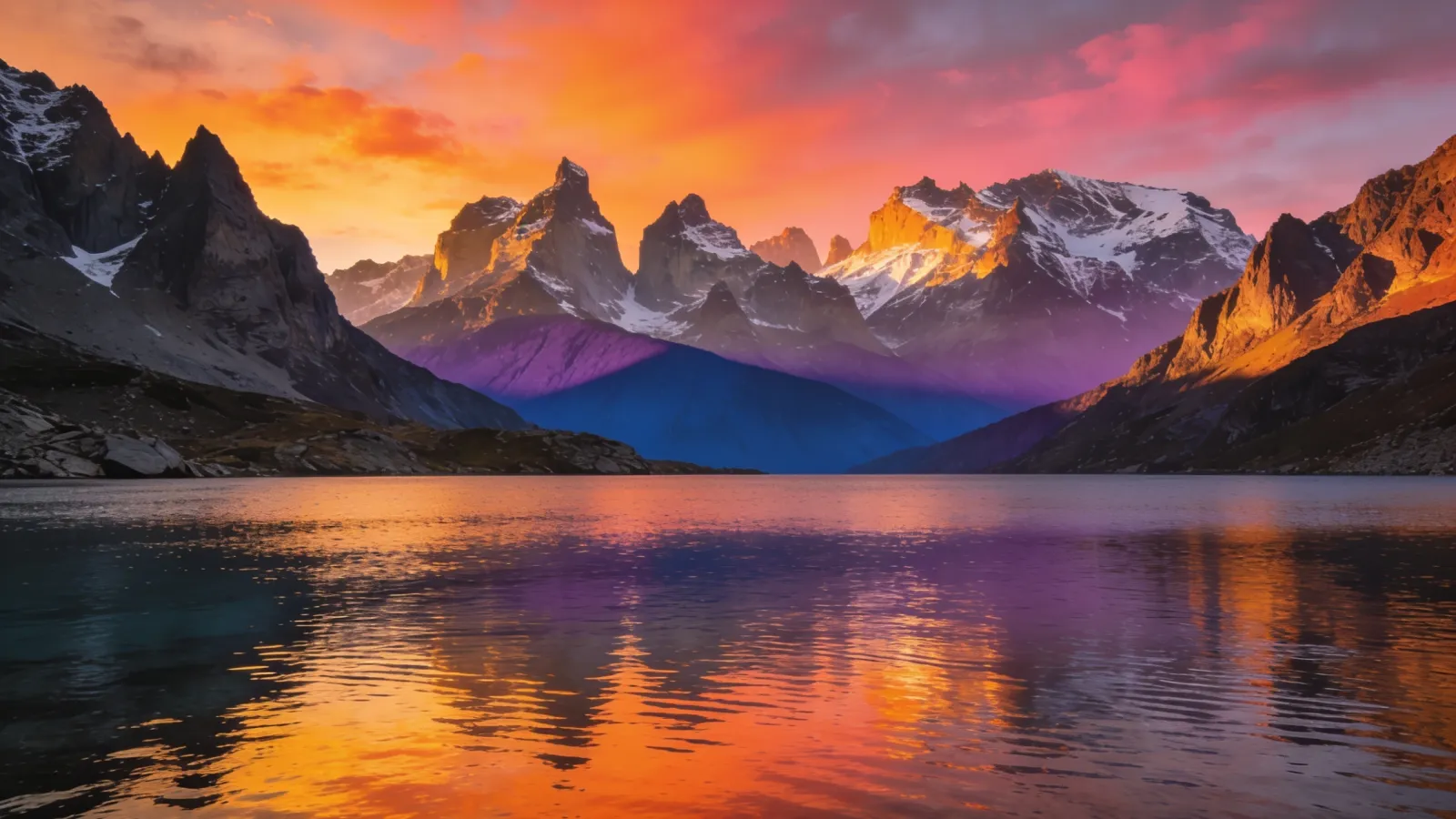
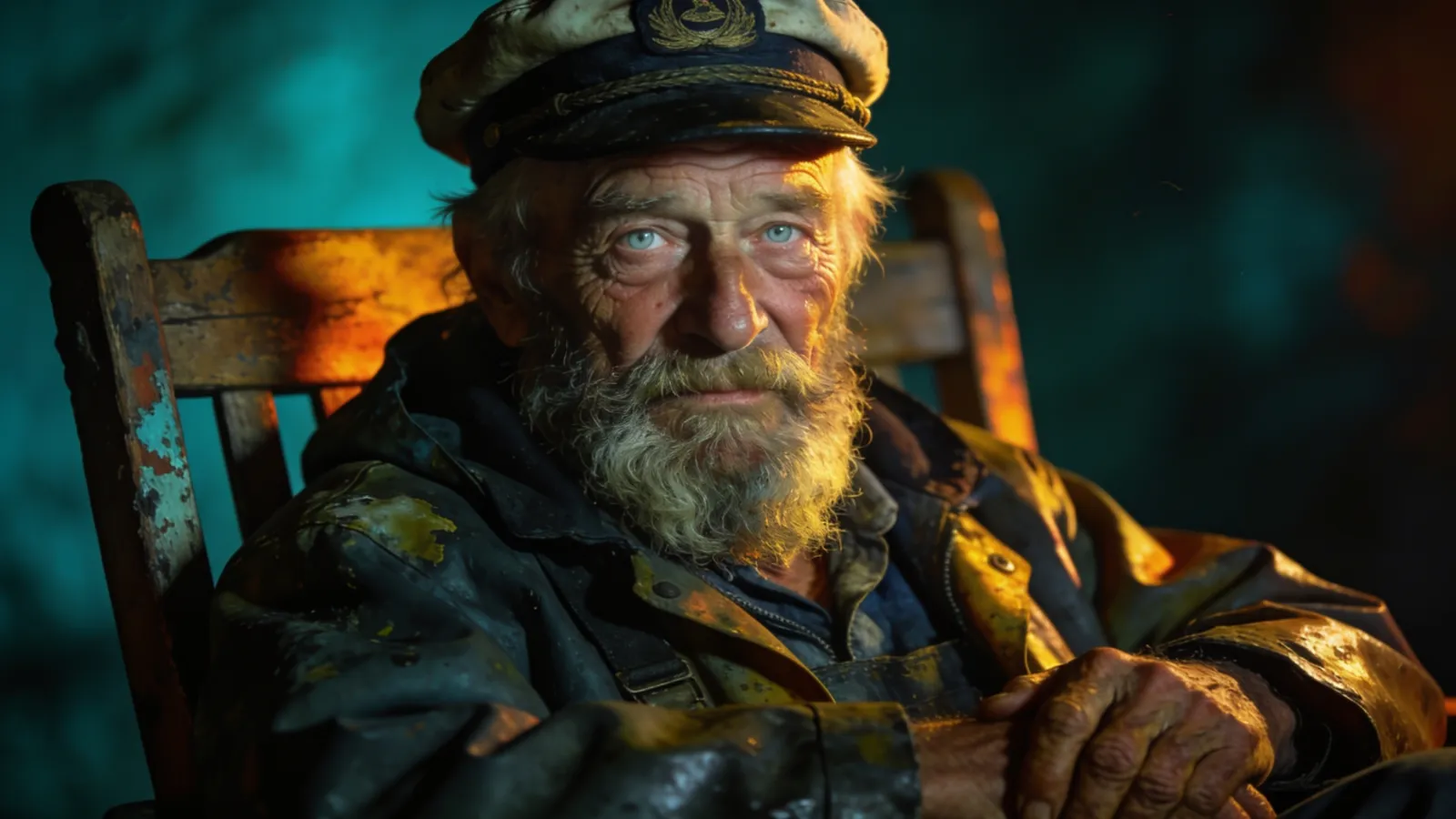
Comparison modes
The same compareMode prop behind the two demos above adds three more comparison axes: onion skin, blink and side-by-side.
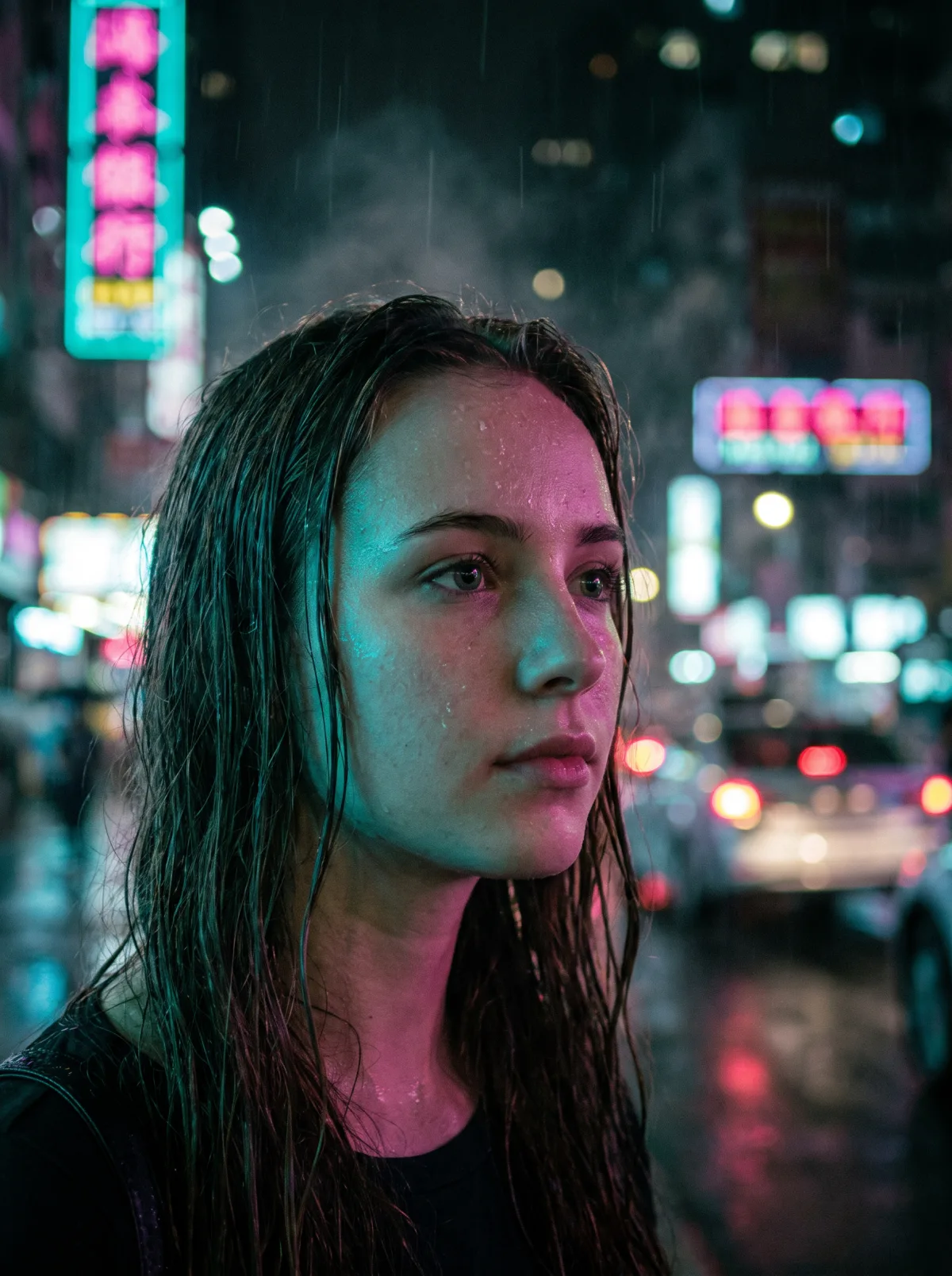
Spotlight reveal
A lens that reveals color under the pointer — same trick as the comparisons above: one bitmap, one CSS filter for the black & white side.
Video scrub preview
Scrub through a video without playing it: move the pointer (or use the arrow keys) to jump to any frame, like YouTube thumbnail previews.
AI-generated example gallery
Dynamic layouts (Grid, Masonry, Justified) • FLIP animationsImages (Google NBP, Seedream 5 Pro), video (Google Veo, Kling V3) and music generated with AI. Filter by type, search by model or title, and open any example in fullscreen HD.
Google NBP — Neon portrait 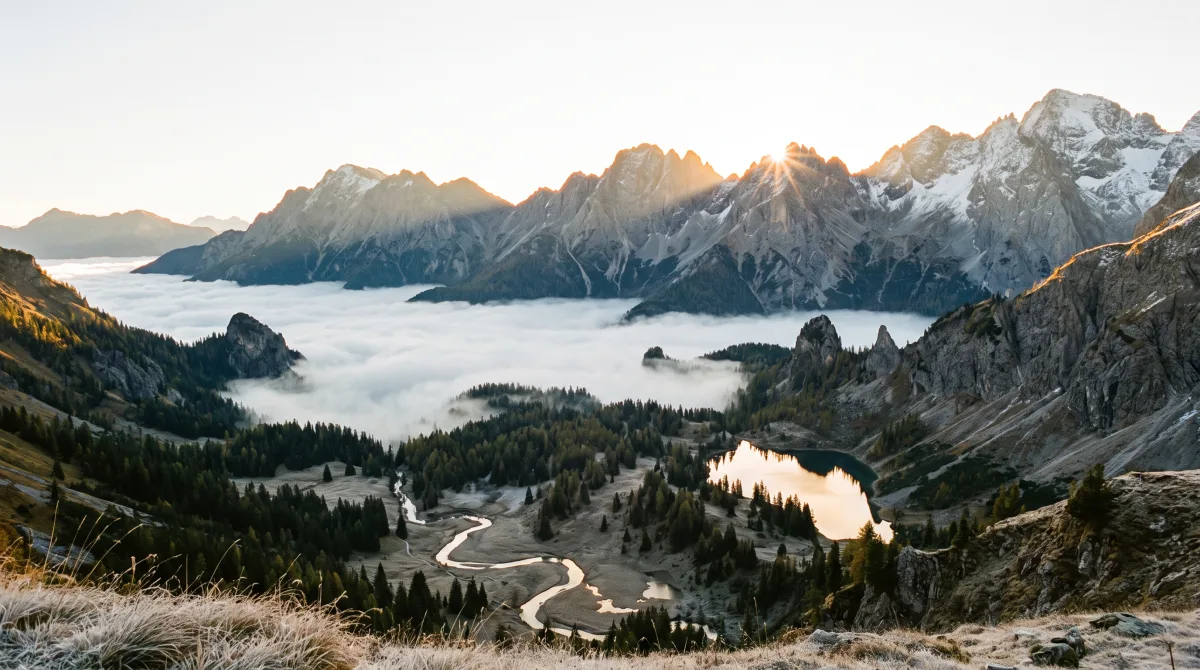
Google NBP — Alpine sunrise 
Google NBP — Studio still life 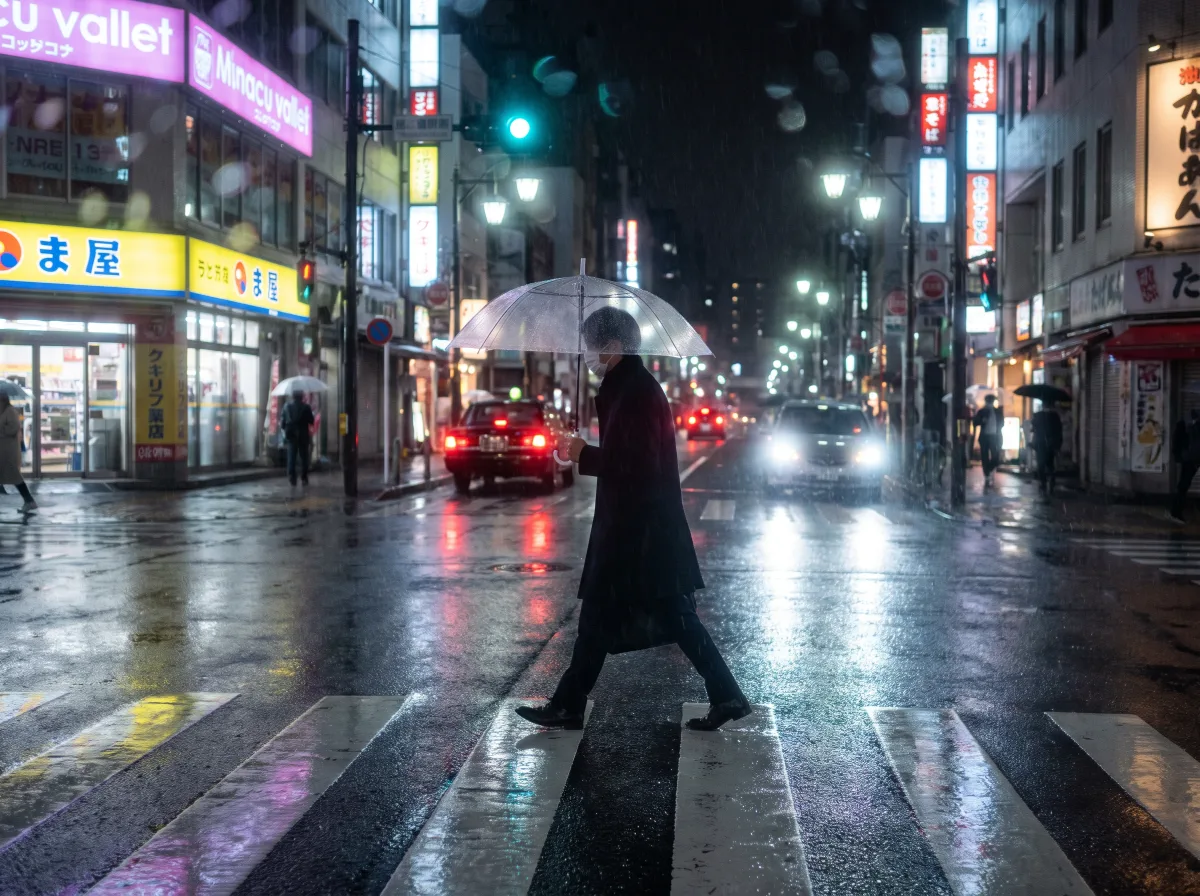
Google NBP — Street in the rain 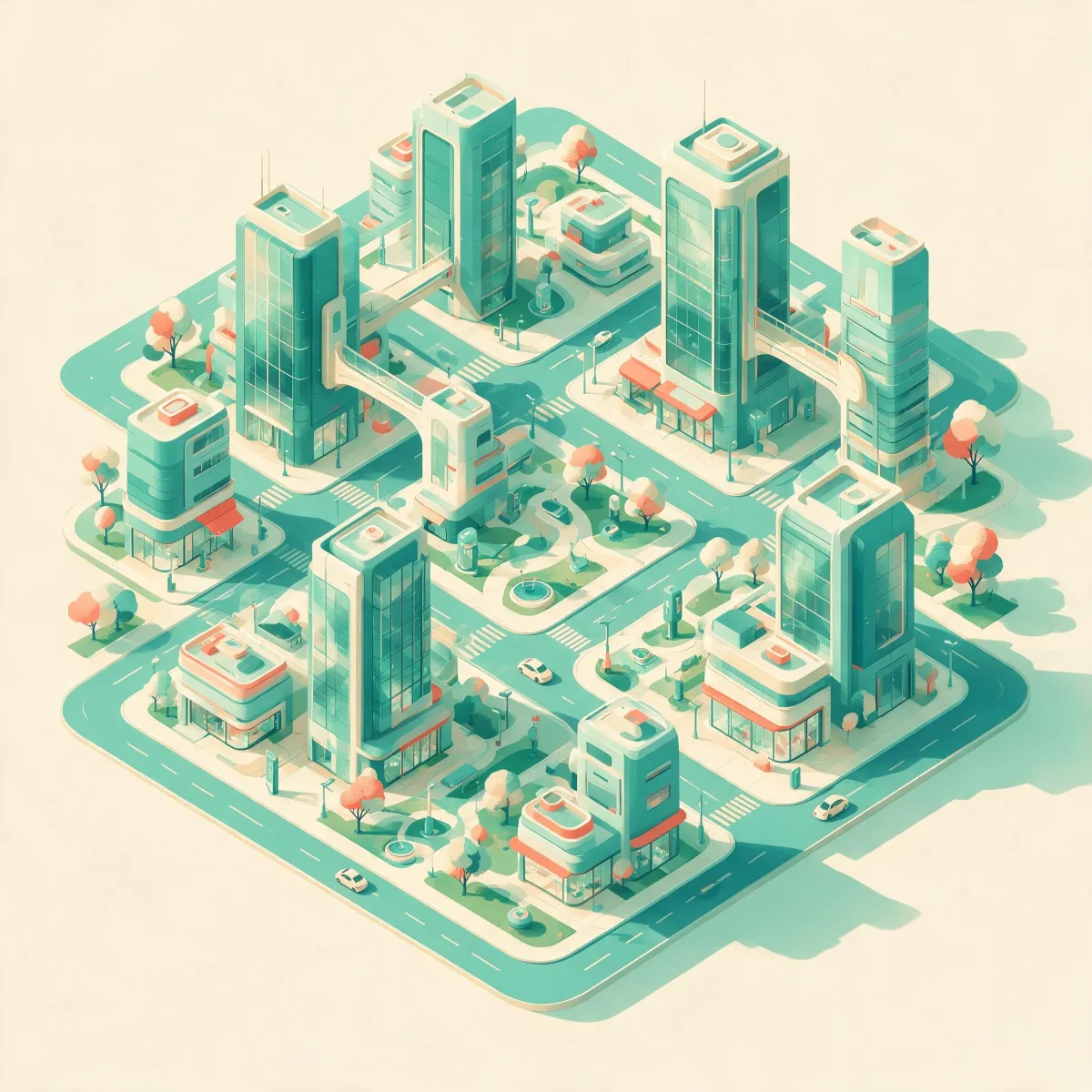
Seedream 5 Pro — Isometric city 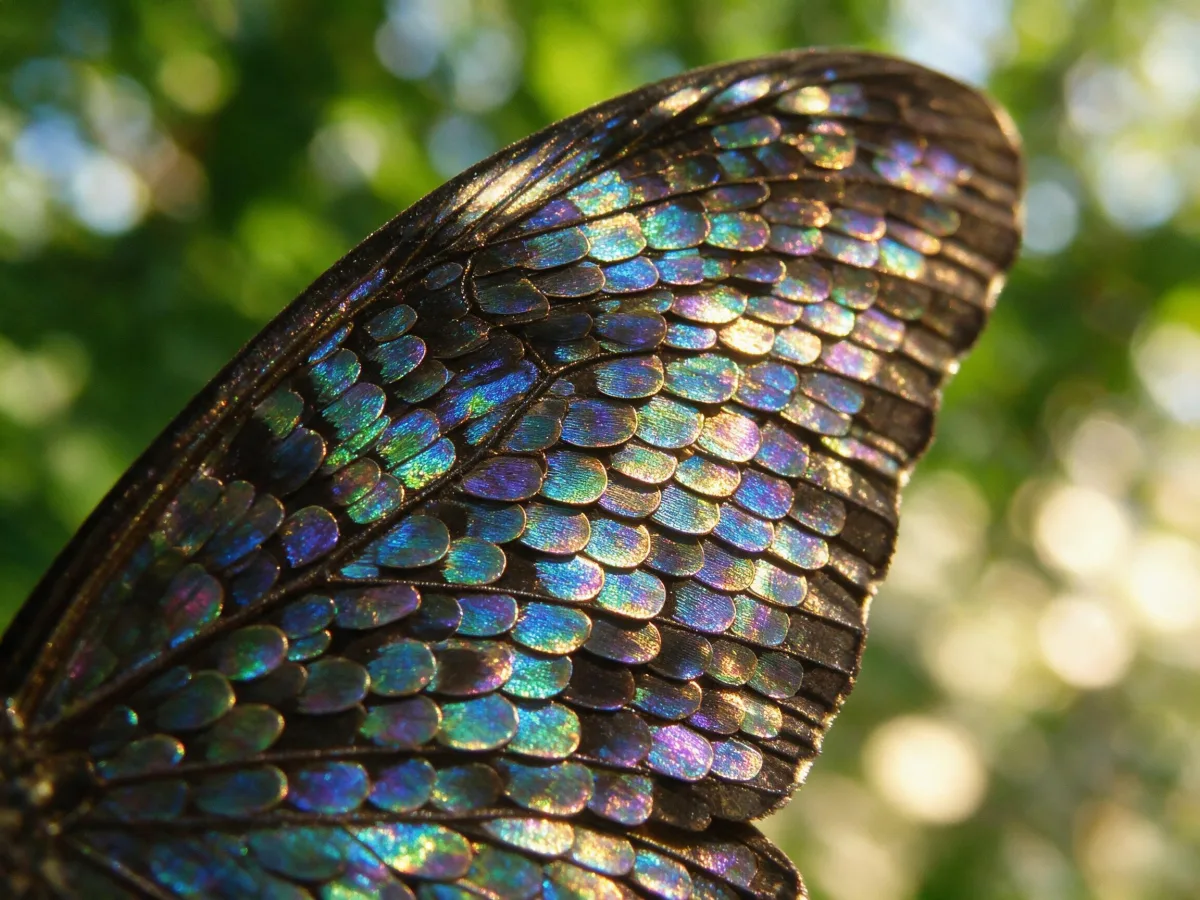
Seedream 5 Pro — Butterfly macro 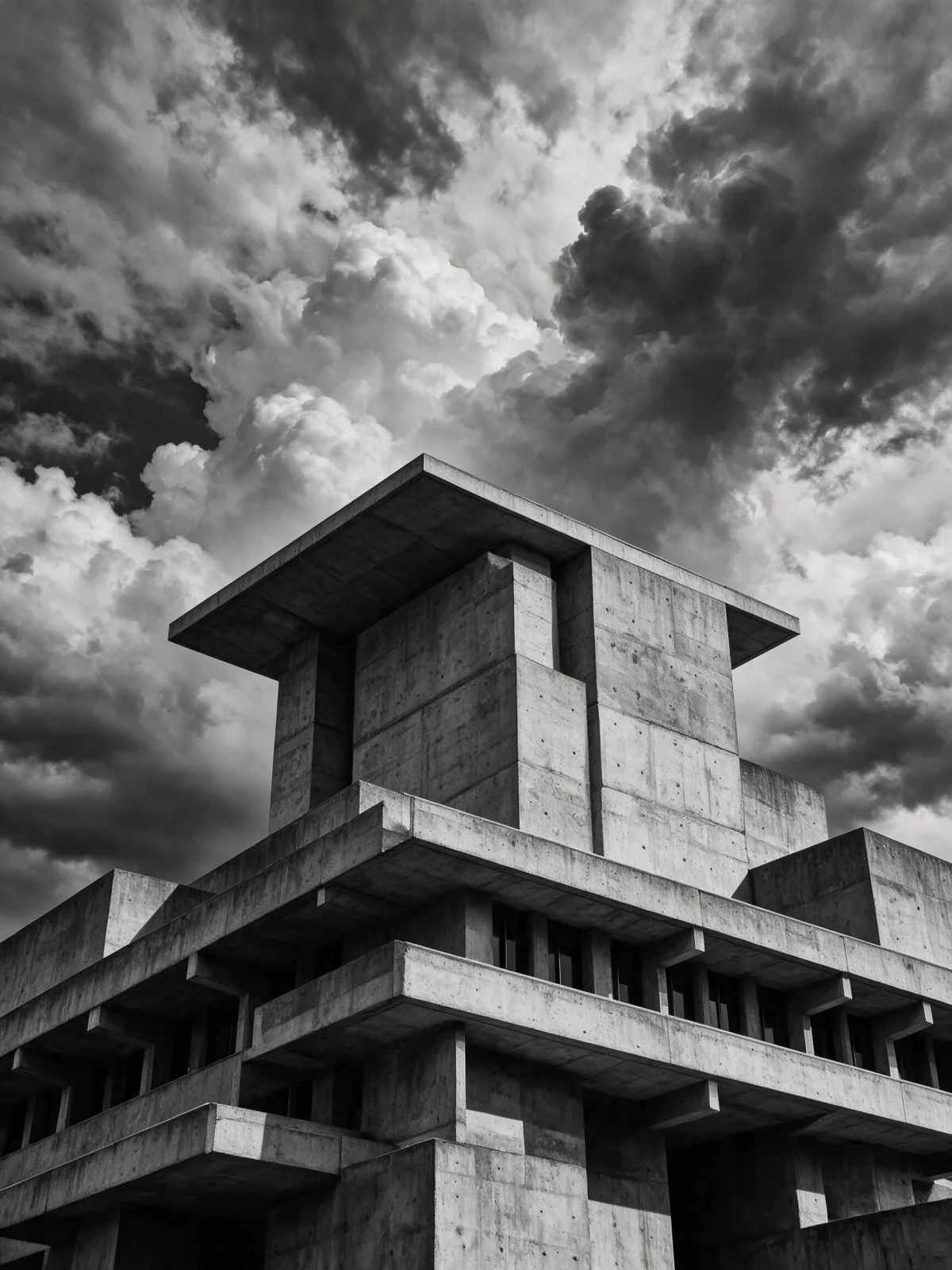
Seedream 5 Pro — Brutalism 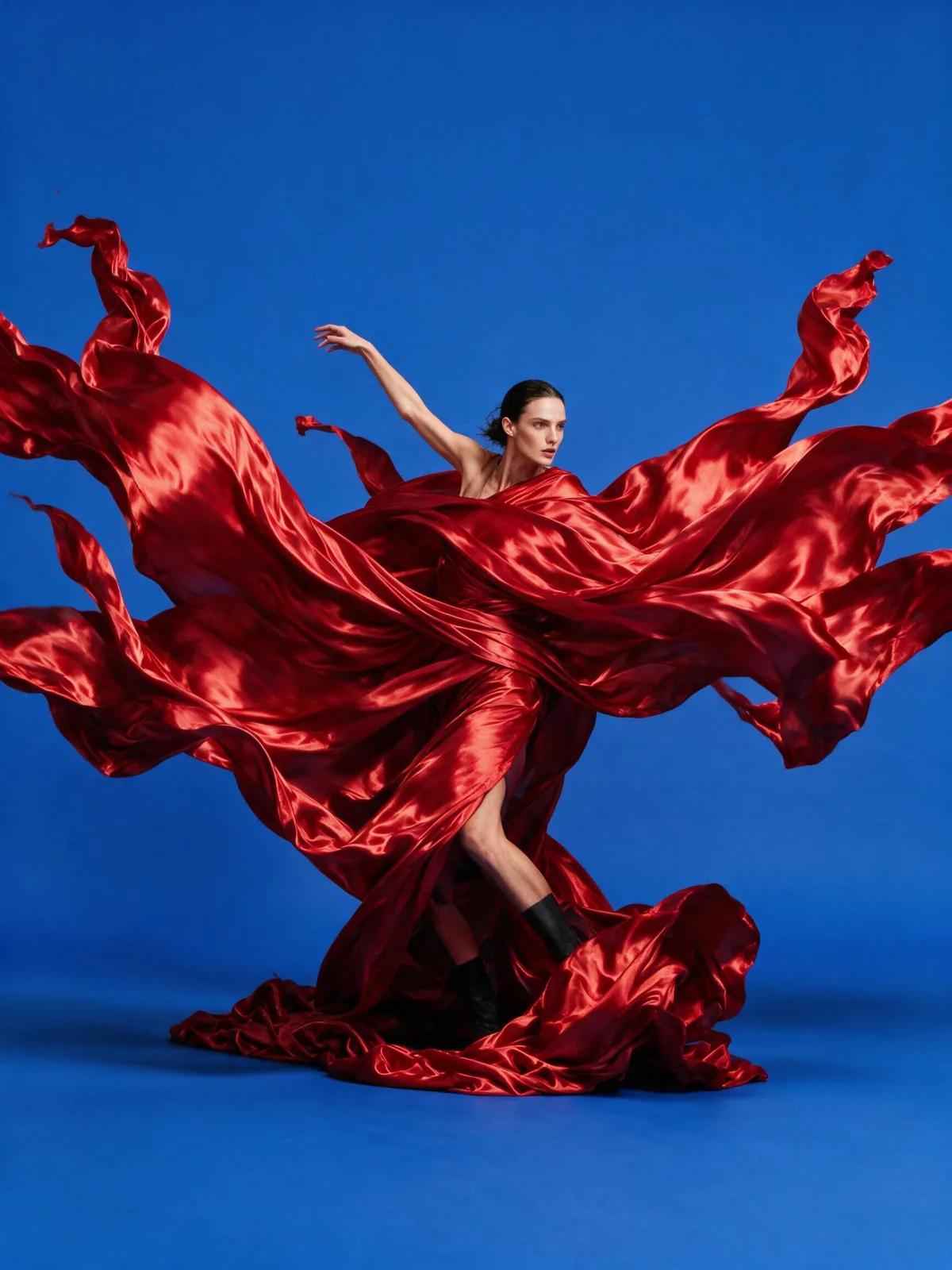
Seedream 5 Pro — Fashion editorial 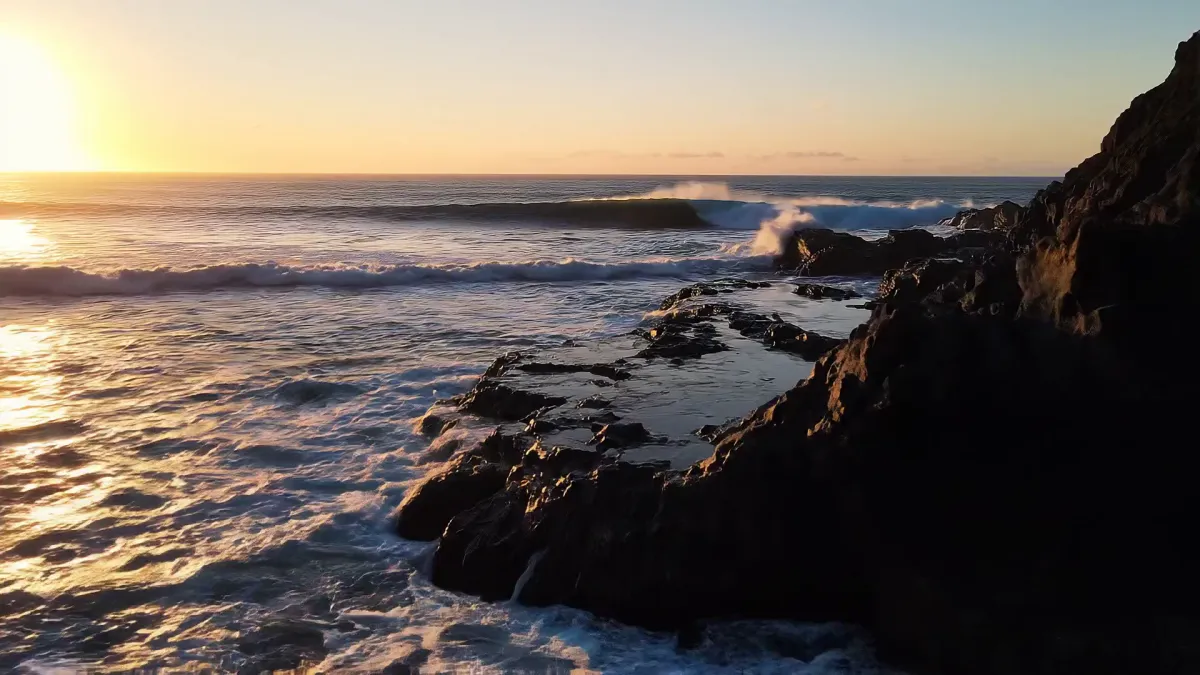
Google Veo — Coast at sunset 
Google Veo — Urban timelapse 
Google Veo — Snowy forest 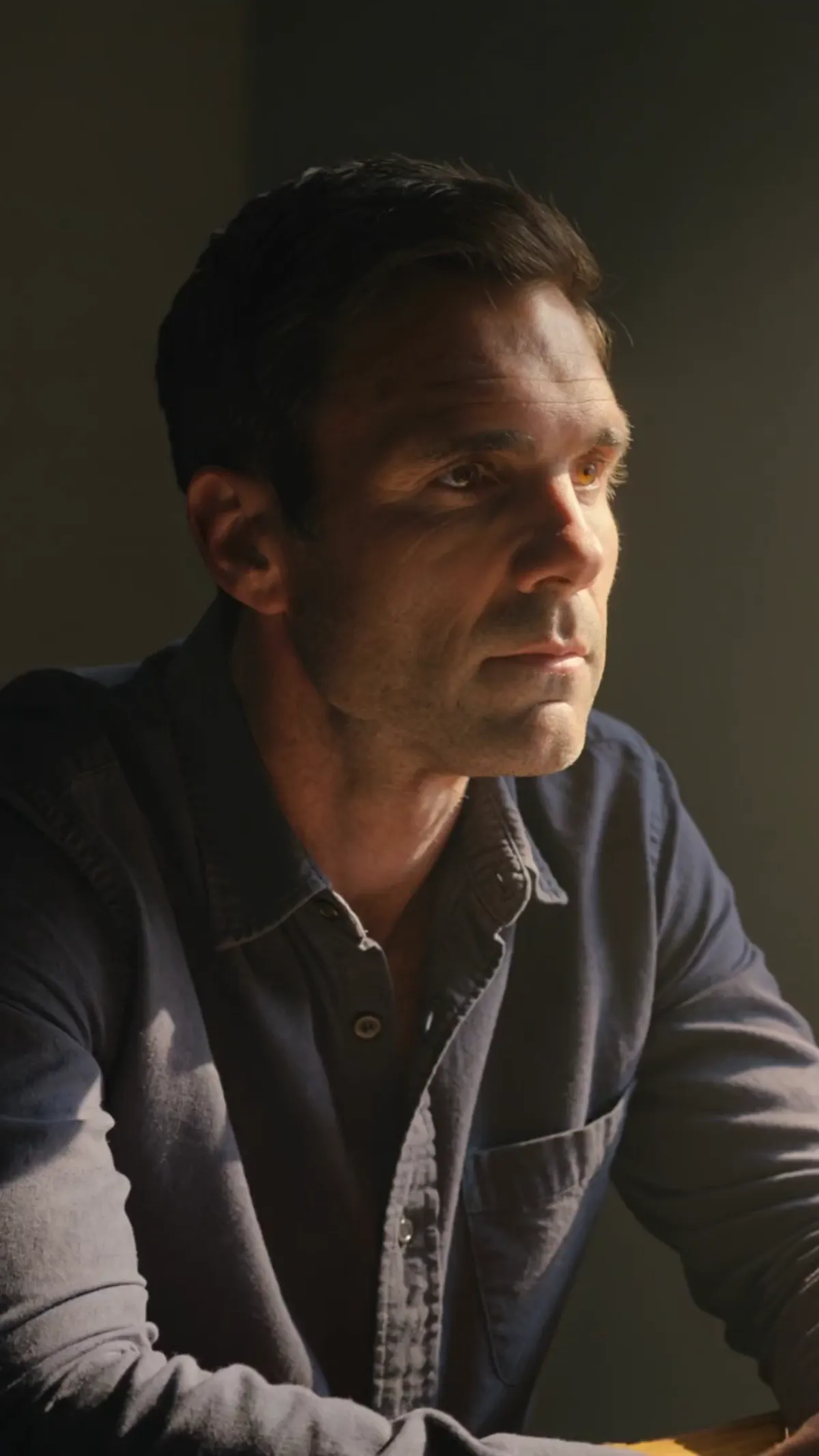
Kling V3 — Cinematic portrait 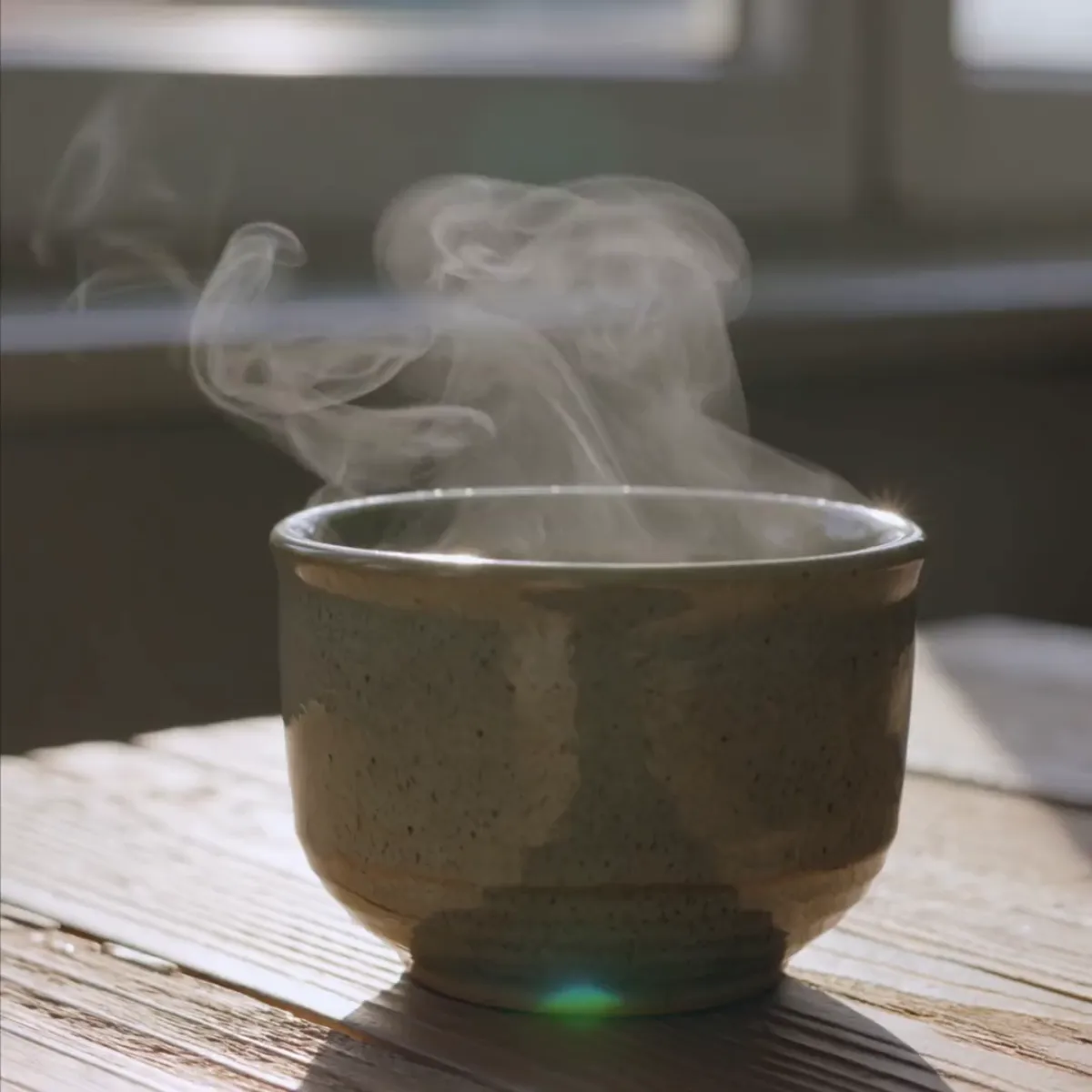
Kling V3 — Steaming coffee 
Google Lyria — Lo-fi for coding 
Google Lyria — Epic theme 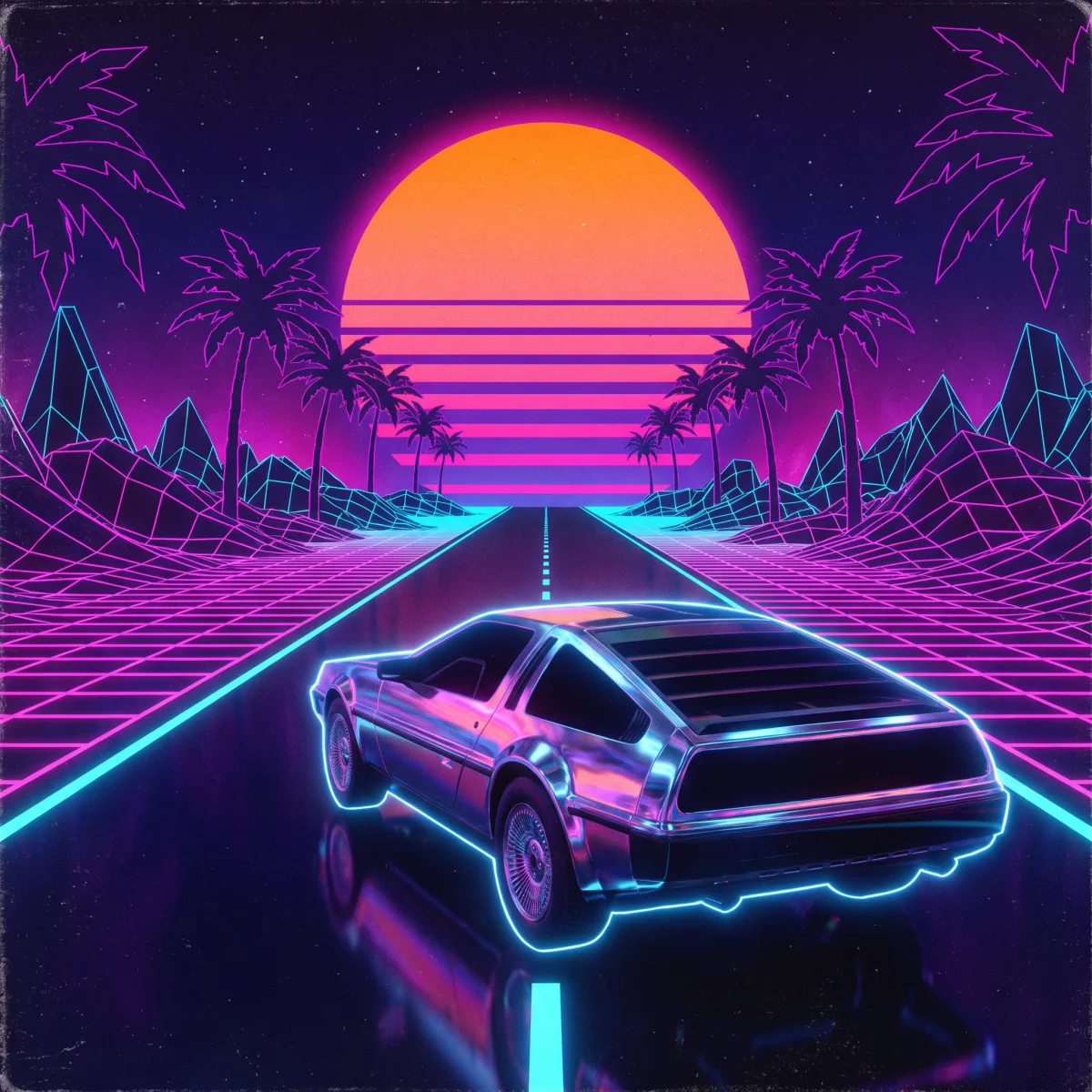
Google Lyria — Synthwave
API player
API Platform architecture simulator (FastAPI + OpenAPI) • StreamingA simulated real call: hit Run to watch the request travel through pending → streaming → done, with image, video, audio and error examples.
{
  "prompt": "A serene mountain landscape at golden hour",
  "aspect_ratio": "widescreen_16_9",
  "seed": 42
}The response will appear here — press Run